
Secret Santa with exclusions
Choose who should not draw whom
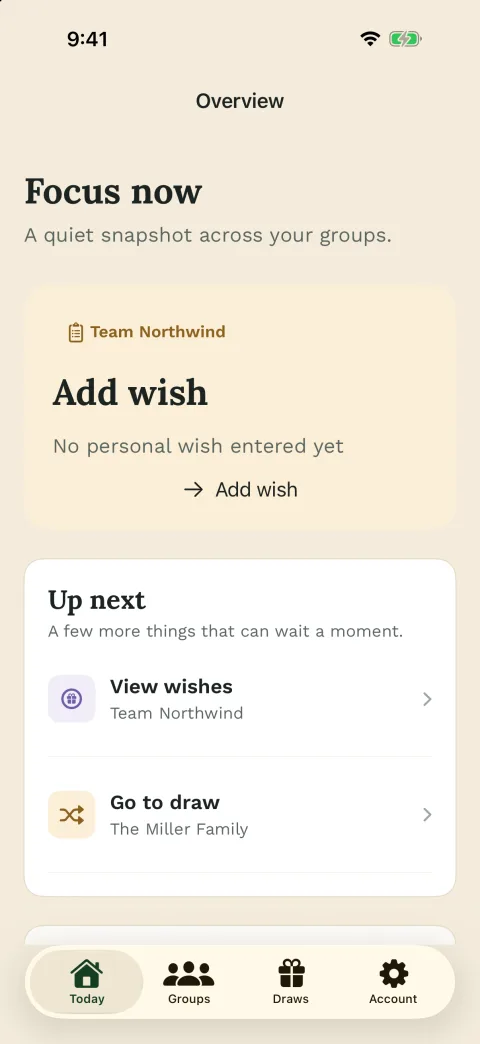
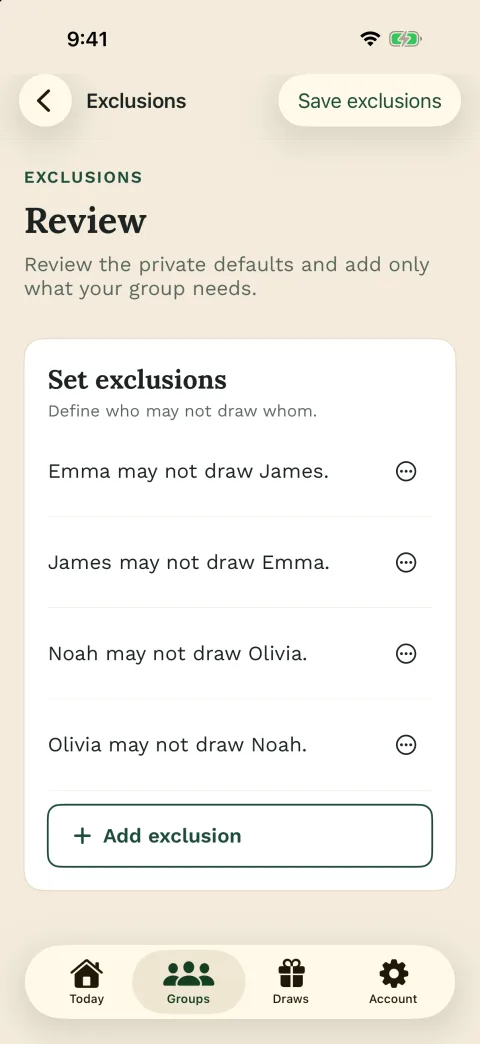
Before the draw, choose which people should not draw each other. Wichtlify follows those choices as long as a valid draw is still possible.
- exclude couples, households, siblings or teams
- avoid self-matches automatically
- save exclusions before the draw
- secret assignment with personal links
- useful for family, office, clubs, school and friends




Common situations
When are exclusions useful?
Exclusions are useful whenever certain matches would feel unfair, boring or awkward. This happens often in families, offices, clubs and larger friend groups.
Common examples are partners, people from the same household, siblings, direct coworkers, small project teams, parent-child pairings or coaches and players in the same club round.
Timing matters: exclusions must be set before the draw. New rules cannot simply be added invisibly after assignments have already been sent.

Common exclusions
- Couples
- Households
- Siblings
- Close teams
- Parents and children
- Coach and group

How it works
How Secret Santa with exclusions works in Wichtlify
First create the group and add everyone who is actually taking part. The participant list should be correct before the draw so you do not need unnecessary changes later.
Then define who should not draw whom. For example: Anna should not draw Ben, Ben should not draw Anna, or people from the same household should not be matched with each other.
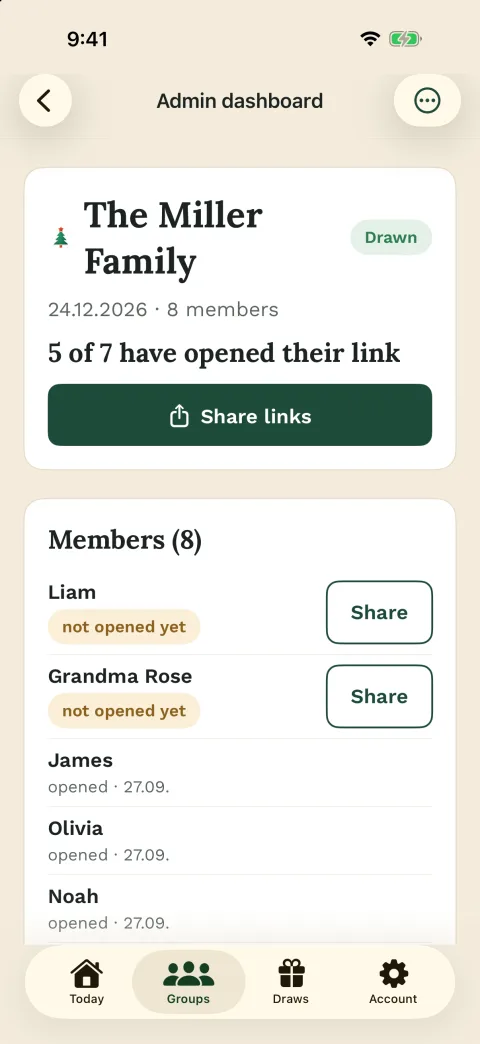
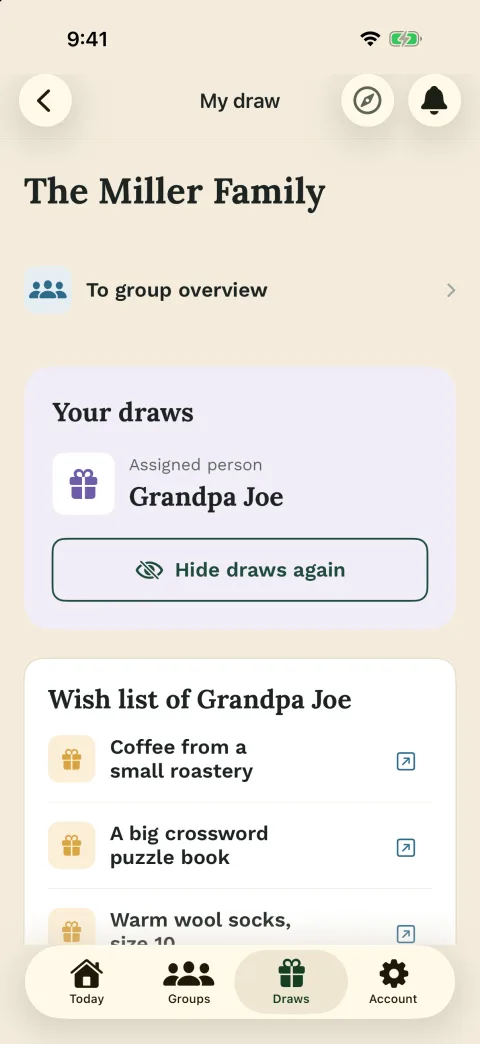
Once participants and exclusions are ready, run the secret draw. Each person receives a personal link and sees only their own assignment.
Order
- Create group
- Add participants
- Save exclusions
- Check draw feasibility
- Share personal links

Couples
Excluding couples
Excluding couples is one of the most common use cases. If partners draw each other, the surprise is often smaller and the exchange may feel less mixed.
If both directions should be blocked, save both exclusions before the draw: Anna does not draw Ben, and Ben does not draw Anna. This is especially useful for family Secret Santa, friend groups and office exchanges with couples.
If couples, households and children are central to your group, family Secret Santa helps you plan the family round.
Example
- Anna not Ben
- Ben not Anna
- save both before drawing

Households
Excluding households and family members
In families or shared households, it often makes sense to separate people who live together. Otherwise, someone may end up gifting a person they already share everyday life with.
Common household exclusions include spouses, partners, siblings, parents and children, roommates or people who are preparing one gift together.
This keeps the exchange more surprising and fair, especially in larger family groups, as long as a valid assignment is still possible.

Check for
- Same household
- Shared gift
- Parent-child rule
- Sibling rule
Teams
Excluding teams and coworkers
At work, in school or in clubs, exclusions can help too. Direct coworkers may already work closely together. Managers and direct reports may be better kept separate so the exchange feels more relaxed.
For the full workplace setup with budget, gift tone and team communication, use office Secret Santa. For sports clubs, choirs, youth groups or volunteer groups, continue with club Secret Santa.
Possible rules
- Close project teams
- Desk neighbors
- Managers
- Coach and group

Limits
What if there are too many exclusions?
Exclusions make the draw fairer, but they also limit the possible assignments. If the group is small or too many matches are blocked, a valid draw may no longer be possible.
In that case, adjust the rules instead of forcing a wrong result: remove some exclusions, add more participants, create separate groups or make some exclusions one-way instead of mutual.
Wichtlify should find a valid secret assignment. If the requirements do not fit together, the group needs to decide which rule changes.
Options
- Reduce exclusions
- Add participants
- Split groups
- Use one-way exclusions

Direction
One-way and mutual exclusions
Not every exclusion has to be mutual. Sometimes a one-way exclusion is enough: Anna should not draw Ben, but Ben may still draw Anna.
For couples or households, mutual exclusions usually make sense. For special team rules, a one-way exclusion may be enough if only one direction is a problem.
Clarify this before the draw so the assignment is not questioned afterward.
Remember
- one-way: A not B
- mutual: A not B and B not A
- decide before drawing
Template
Example message for Secret Santa with exclusions
Use a short message to collect participants and exclusions before drawing names. That keeps special rules from appearing only after the secret draw is already done.
Group chat message
We're doing Secret Santa with exclusions this year.
Couples, households and close family members should not draw each other.
Please confirm by [date] if you are joining and let me know which exclusions matter.
After that, I'll run the secret draw with Wichtlify and share personal links.
Should clarify
- Participation
- Deadline
- Which exclusions
- Draw only afterward
Next steps
Related next steps
Once the exclusions are clear, continue with the group setup, rules or the way you will share personal links.

Secret Santa generator
Start directly with names, saved exclusions, a secret draw and personal assignment links.
Create a group with exclusionsDraw explained
Understand the step before drawing: check names, save exclusions and start a valid assignment.
Check the draw before you startSecret Santa rules
Set budget, gift limits, exchange date and exclusions in one clear rule set.
Set rules before drawingFamily Secret Santa
For couples, households, siblings, children and relatives who want a secret family draw.
Prepare the family roundOffice Secret Santa
For teams, departments, manager rules and a discreet workplace draw.
Plan the office roundSecret Santa on WhatsApp
Prepare the draw in Wichtlify and manually share the personal links in the chat your group already uses.
Share links in chatFAQ
Frequently asked questions
Can I exclude certain people from drawing each other?
Yes. You can define before the draw who should not draw whom. Common cases include couples, households, siblings or close coworkers.
Can couples be excluded both ways?
Yes. If both directions should be blocked, save both exclusions: person A does not draw person B, and person B does not draw person A.
Does Wichtlify prevent self-matches?
Yes. Wichtlify is built for personal Secret Santa assignments and prevents people from drawing themselves.
What happens if there are too many exclusions?
A valid draw may become impossible. In that case, remove exclusions, add participants or adjust the rules.
Can I change exclusions after the draw?
Exclusions should be set before the draw. If something changes afterward, the organizer should decide whether the group needs a fresh draw or another exception process.
Does this work for family, office and clubs?
Yes. Exclusions are useful for family groups, offices, clubs, school groups and friends as long as the group can still be drawn with those rules.
Does everyone see all results?
No public result list is needed. Wichtlify is designed for secret personal assignments, so each person opens their personal link and sees only their own assignment.
Set exclusions before you draw
Define participants and exclusions first. Keep your Secret Santa exchange fair, secret and free from paper-slip confusion.
Start Secret Santa with exclusions