
Secret Santa app
The Secret Santa app not everyone needs
You organise everything in the app on iPhone or Android, or in the browser. Everyone else simply opens their own link in the browser.
- Free for iPhone and Android
- Take part without the app and without an account
- One account for app and browser








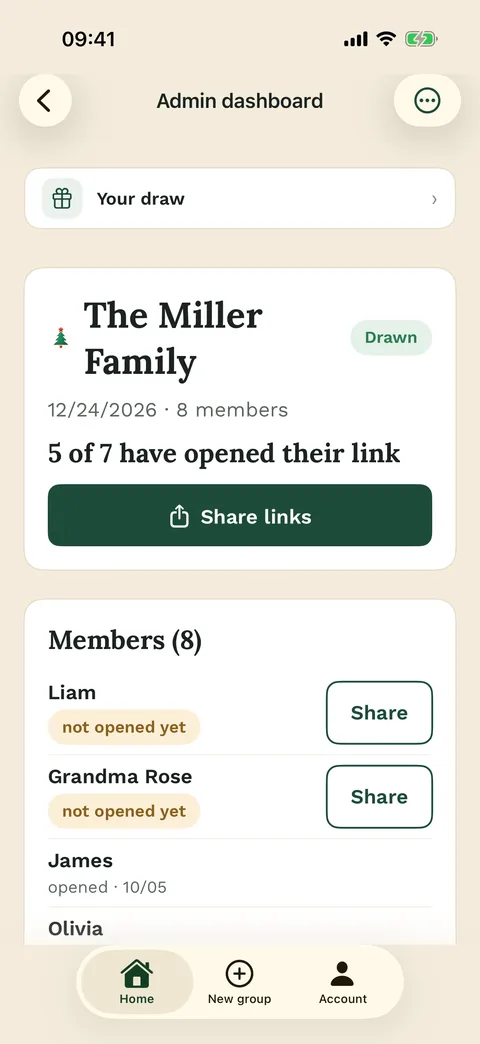
You organise
In the app on iPhone or Android, or in the browser. One account, just for you.
You take part
Your personal link opens in the browser. The app is optional.
No sign-up needed

App or browser
Who needs what in a Wichtlify Secret Santa
Only the person who organises the Secret Santa needs an account. You create the group, add the names, set exclusions and run the draw, in the Wichtlify app on iPhone or Android or in the browser. With the same account you find the group in both places.
Everyone else gets their personal link from you. It opens in the browser, with nothing to install and no sign-up. There each person sees who they are buying for and adds their own wishes. If nobody wants an app at all, you can run Secret Santa online in the browser from start to finish.

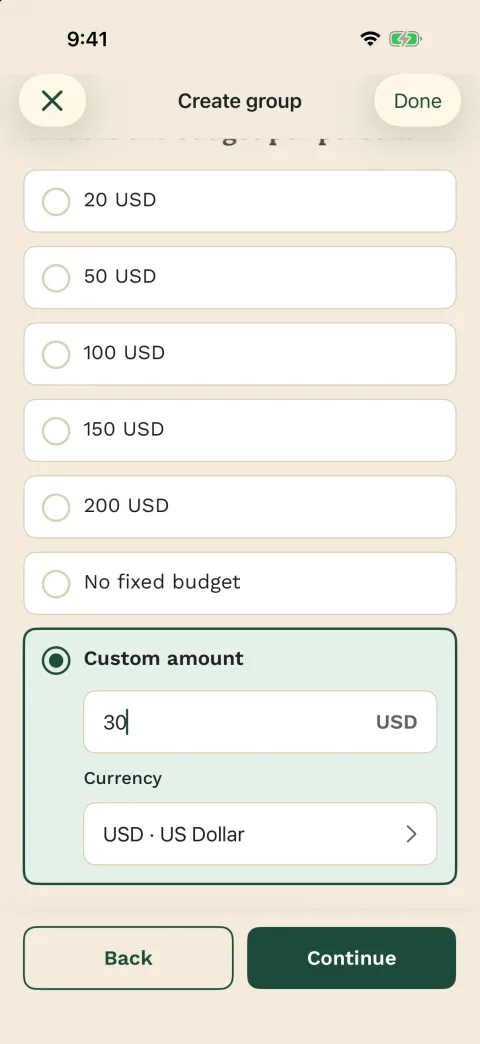
What works where
- Create the group and draw:
- in the app and in the browser
- Own name and wishes:
- through the link in the browser or in the app
- Account:
- only for the person who organises
- Push notifications:
- only in the app, if you allow them
- Buy Wichtlify Pro:
- only in the app

Who the app is for
Organisers carry the whole group in their pocket
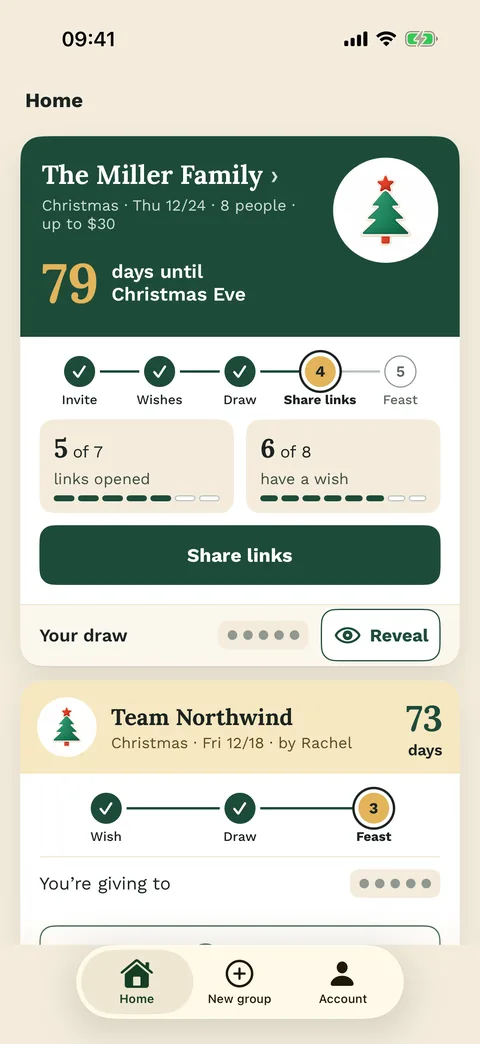
The app pays off most when you organise: on the go you see who still has no wishes, and next year you can start again with the same people. The draw then avoids last year’s pairs.
Participants can use the app too and sign in with Apple, Google or email. Updates from the group then arrive as push notifications, if push is allowed. None of that is required: the link in the browser shows the same name.
You share the links yourself, in a chat or in person, without collecting any email addresses.

Next steps
Explore Wichtlify
Secret Santa online
The whole Secret Santa step by step, from the names to the wishes.
Secret Santa on WhatsApp
Plan in the group chat and send each link one by one, without giving the result away.

FAQ
Frequently asked questions
What does the Secret Santa app cost?
Nothing. The app, the group, the draw, the links, the wishes and the emergency repair when someone drops out after the draw are free. Wichtlify Pro is a yearly purchase in the app and covers every group on your account. It adds extras such as reminders you schedule yourself and anonymous questions.
Can anyone in the app see who I drew?
No. Each person sees only who they are buying for, in the app just as in the browser.
Start your Secret Santa
Create the group in the app or in the browser. Everyone taking part only needs the link.
Create Secret Santa group